Write Python.
Run it instantly.
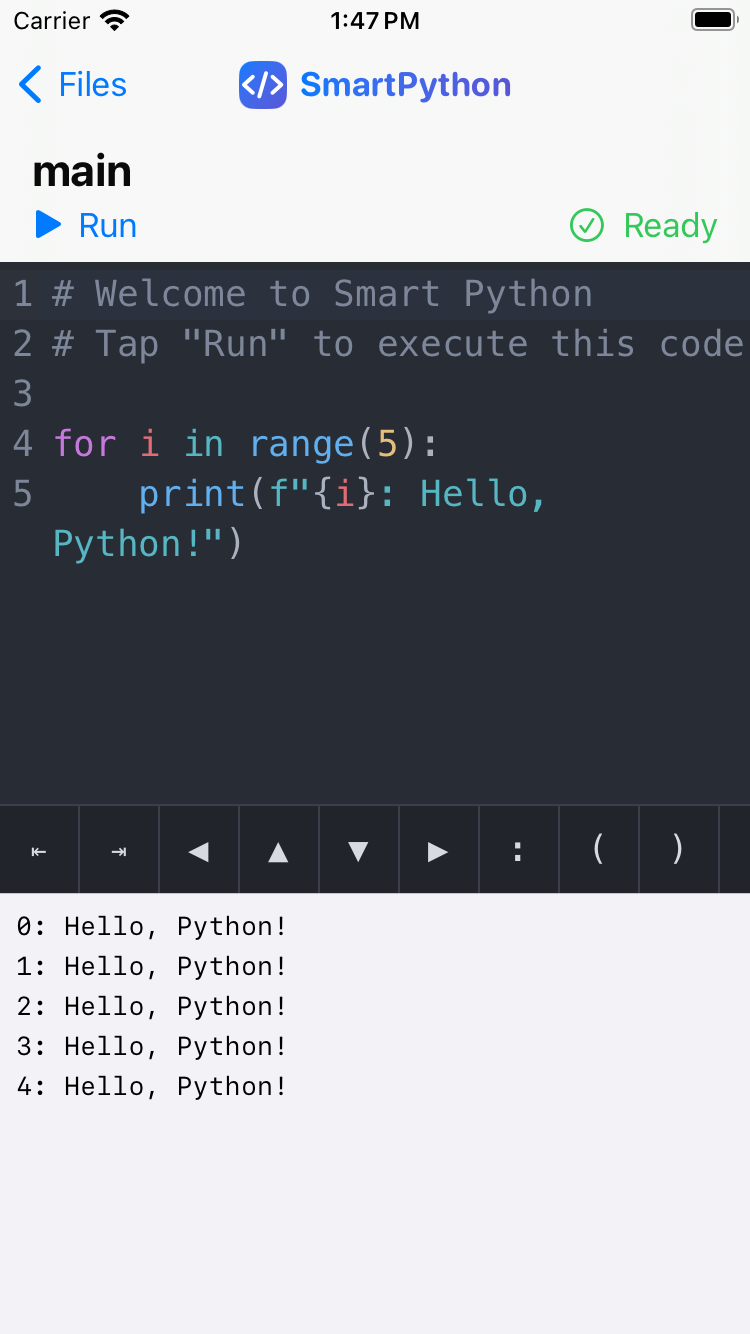
No server, no internet connection required. Carry a full Python environment in your pocket on iPhone or iPad. Write code in a syntax-highlighted editor and check the result with a single tap.
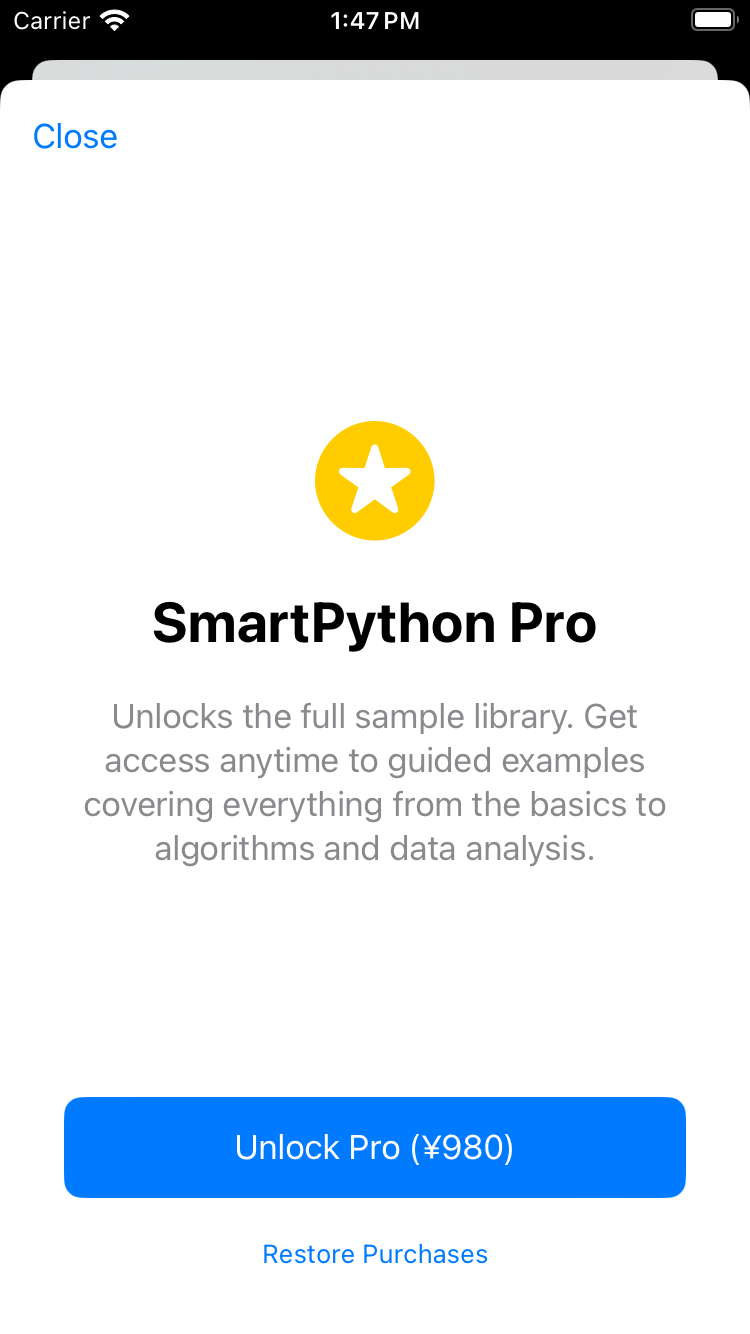
iOS 17.0+ · Free to start · Unlock every lesson with SmartPython Pro
Screenshots
See the app in action
Key Features
A Python environment made for learning — and for quick experiments
A full Python interpreter
CPython compiled to WebAssembly, built right into the app. Run code instantly with no internet connection needed.
Syntax-highlighted editor
Code displayed in easy-to-read colors. Switch between dark and light themes and adjust the font size anytime.
Popular libraries, ready to use
numpy, pandas, matplotlib, and requests work right out of the box — no installation needed. Charts render directly in the app.
A 36-lesson Python Course
From basics like variables and loops to classes, algorithms, and data analysis — a full, ready-to-run curriculum built right into the editor.
Manage multiple files
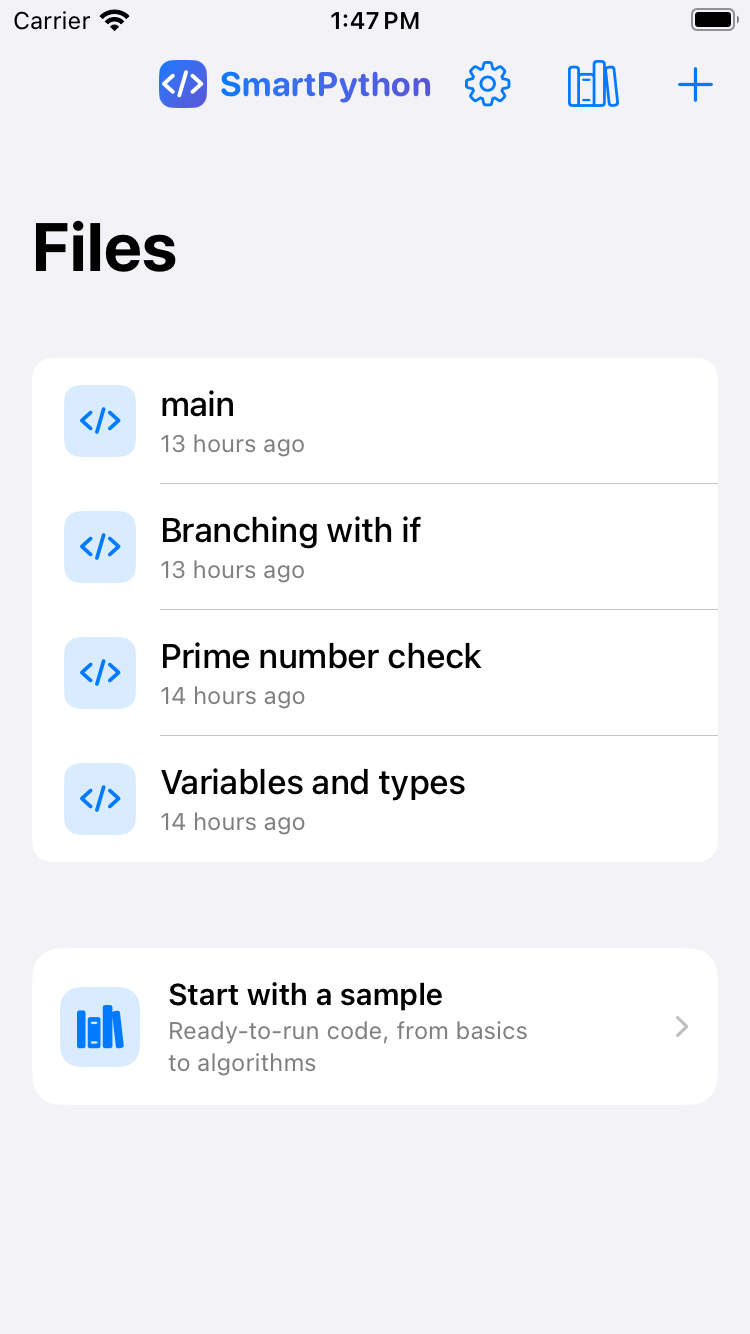
Create, save, and rename as many scripts as you like, and keep them organized with quick search as your list grows.
Fully on-device
The runtime, your code, and your files stay entirely on your device. Nothing is sent to a server, and no account is required.
How It Works
Run your first line of code in three steps
Create or pick a file
Start a new file, or choose a lesson from the built-in Python Course.
Write your code
Edit Python freely in the syntax-highlighted editor.
Tap Run
Execute instantly and check standard output or errors right in the console.
Frequently Asked Questions
Can I use it without an internet connection?
Is my code or files sent anywhere?
What libraries are available?
How much can I use for free?
Is SmartPython Pro a subscription?
Start writing Python right now
Every fundamentals lesson is free. Install the app and try it right away.